
AI for IT – Support for Administrators and Day-to-Day Operations
AI for IT – Support for Administrators and Day-to-Day Operations
Spend more time solving problems and less time preparing for action. Use AI to support you in areas where your daily work involves analyzing information and developing solutions.
Choose applications that meet your team’s needs and integrate them into your workflow.
26
Website Categories
12
Process Categories
52
Languages Analyzed by the Web Classifier
24/7
Continuous classification of pages and processes
Why is it worth using artificial intelligence to support IT work?
Many tasks begin with searching for information, understanding a message, or preparing an instruction. These activities consume the attention needed to assess the problem and choose the appropriate course of action.
Time spent preparing repetitive tasks
Technical messages that are difficult to interpret
Frequent switching between tools
Frequently asked questions that require similar answers
A large amount of information to organize
The Need to Establish Clear Guidelines for the Use of AI
AI Features for IT Administration, Analysis, and Security
Take advantage of specific AI tools: an assistant, a command generator, log analysis, and classifiers. Availability depends on the system version.
Assistant and Administrative Commands
01
eA Intelligence – Administrator Assistant
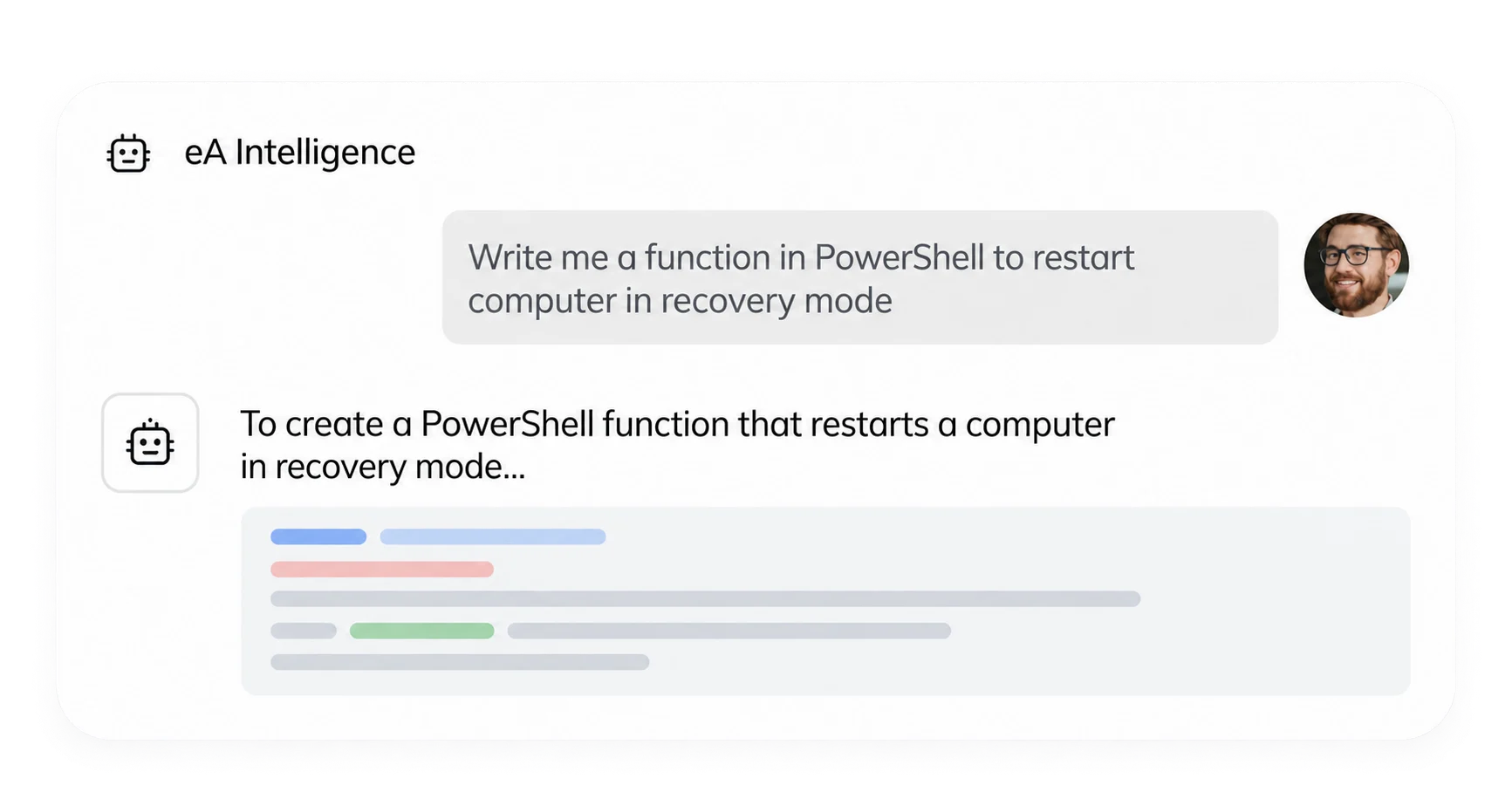
Talk to the assistant in eAuditor about administrative tasks. Get help with preparing and revising your scripts.
02
CMD and PowerShell command generation
Describe the task in natural language and receive a suggested command syntax. Test the result before applying it in your environment.
Check CMD and PowerShell commands ->
03
Intelligent log analysis
Analyze errors in eAuditor logs using AI. Get an explanation of the error message and suggestions for actions that can help with diagnosis.
Check AI log analysis ->
Employee Support and Help Desk
01
ChatGPT in the employee dashboard
Enable employees to communicate with ChatGPT through the dashboard. Use it to get help and answers to questions.
Check ChatGPT in the employee dashboard ->
02
AI in Help Desk Ticket Handling
Generate suggested responses and solutions for technical support tickets. Help the support team prepare a response to a user’s issue.
Check AI in Helpdesk ->
Classification and Identity Verification
01
Website classifier
Identify the categories of websites visited. Use this classification to monitor activity and establish rules for content access.
Check website rankings ->
02
Process and Application Classifier
Categorize executable files and analyze the applications being used. Use process categories in DLP blocking rules.
Check classification of processes and applications ->
03
Video authentication
Verify the user’s identity using facial recognition. Check whether this method is available in the selected version of eAuditor.
Check video authentication ->
Data security and event analysis
From the task description to the proposed solution
Implement AI with clear guidelines for working with data
Specify what information can be processed and who is responsible for evaluating the results. Select AI applications that align with your organization’s security procedures.
Frequently Asked Questions About AI
Choose a recurring task whose results you can easily evaluate. A clear goal and good context help you compare the usefulness of the suggestions you receive.
AI provides support. The administrator should evaluate the result in the context of the environment, permissions, and the consequences of the planned action.
No. Before selecting an option, check the current availability of the feature in the specific Cloud or On-Premise version.
Start by automating everyday administrative tasks, such as generating PowerShell and CMD scripts. The AI in eAuditor helps you prepare commands faster, streamline computer management, and reduce the time spent on repetitive tasks.
eAuditor enables the use of AI while adhering to an organization’s information security requirements. In on-premises solutions with local AI models, data processing can take place directly within the company’s infrastructure, without the need to transfer data to external AI services.
Describe the task. Evaluate the proposal. Take action.
See how AI can support your IT team’s day-to-day work.