
ITAM – IT Asset Management and Inventory
ITAM – IT Asset Management and Inventory
eAuditor ITAM is a system for managing IT assets and automatically inventorying infrastructure.
Collect information about hardware and software, manage the lifecycle of devices, monitor changes, and access up-to-date data on your entire IT environment
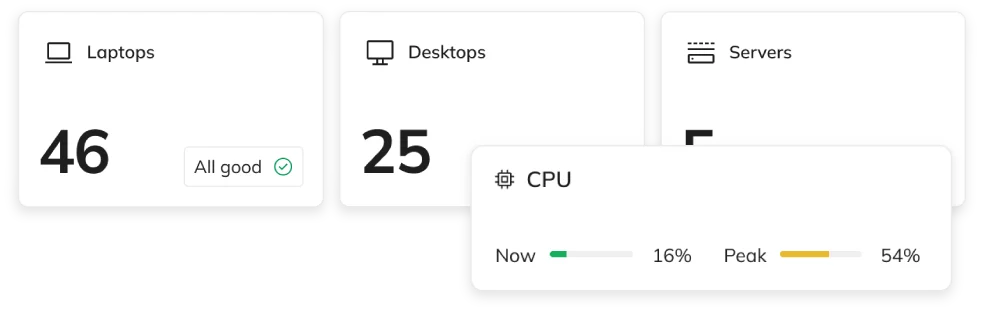
190k+
Monitored devices
1100+
eAuditor Implementations
ITAM
One system
24/7
Current Knowledge
Why do you need an ITAM system?
Excel spreadsheets, manual device inventories, and outdated documentation make it difficult to manage assets.
- Outdated list of computers and devices
- Lack of knowledge about installed software
- Difficulties with managing the hardware lifecycle
- No history of configuration changes
- Difficulties during audits and inspections
- Scattered information about IT assets
Features of the ITAM System for IT Asset Management
A single place to manage hardware, software, users, and change history.
DISCOVERY AND INVENTORY
01
IT inventory
Automatically collect information about computers, laptops, servers, and devices.
Check IT inventory ->
02
Computers and Servers
Automatically collect data about computers and servers: user, serial numbers, location, and transfer logs.
Check computer and server management ->
03
Servers and Virtualization
Automatically inventory Hyper-V, VMware, and Proxmox hosts, as well as virtual machines, along with their resources and status.
Check server and virtualization management ->
04
Operating systems
Automatically track Windows, Linux, and macOS systems, along with their licenses and the number of installations.
Check operating system management ->
05
Software
Automatically detect installed applications and packages, including their version, vendor, and license.
Check software management features->
06
Files
Automatically search for files on computers by type, size, date, and path.
Check file management ->
07
Printers
Automatically detect local and network printers and monitor their status, toner levels, and print counts.
Check printer management ->
08
IT Magazine
Track consumables across multiple warehouses using inventory receipt and issuance documents.
Check IT warehouse capabilities ->
Resource Management
01
IT Asset Inventory
Store information about hardware, software, and their relationships in one place.
Check inventory records ->
02
The IT Asset Lifecycle
Track equipment from the time it is received and assigned until it is returned or decommissioned.
Check lifecycle of IT resources ->
03
IT Equipment Management
Check the configuration, location, and assignments of computers and servers.
Check IT asset management ->
05
Equipment Warranties and Documentation
Organize device data and related documentation.
Check warranty on your IT equipment ->
07
IT Resource Costs
Track IT resource costs and manage related expenses and documentation.
Check costs of IT resources ->
08
History of Changes to IT Resources
Track the history of changes to IT resources, as well as related modifications and updates.
Check change history of IT assets ->
Structure and Compliance
How ITAM Works—From Inventory to IT Asset Management
Organize Your IT Resources
Connect devices to users, locations, and other infrastructure components.
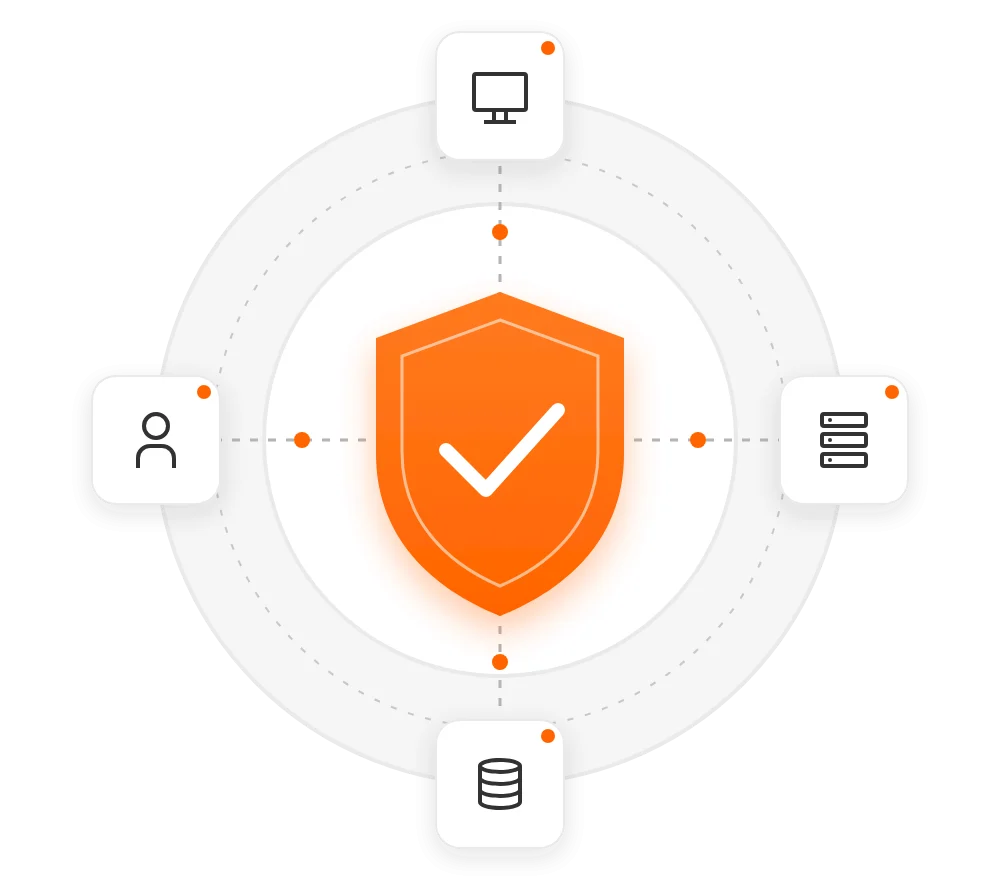
ITAM, NIS2, DORA, ISO 27001, and KSC
Information about IT assets is one of the cornerstones of effective security management.
NIS2
Resource Identification and Management
ISO/IEC 27001
Asset Management
DORA
Information on ICT Resources
KSC
Security management support
ITSM in the cloud or On-premise
Frequently Asked Questions About ITAM
ITAM (IT Asset Management) refers to the management of an organization’s IT assets—from identification and inventory, through use and monitoring, to decommissioning.
eAuditor enables the automatic collection of information about devices managed by the platform.
Yes. Information about installed software may be collected and analyzed as part of IT asset management.
ITAM is one of the functional areas of the eAuditor platform and can also be used in the cloud model.
You know what you have. You know where it is. You know what has changed.
See how eAuditor can streamline IT asset management.