
DLP – Data Leakage Prevention
DLP – Data Leakage Prevention
Protect your company’s data from unauthorized copying, transfer, and sharing.
Monitor devices, files, email, the cloud, applications, and user activity in a single system.
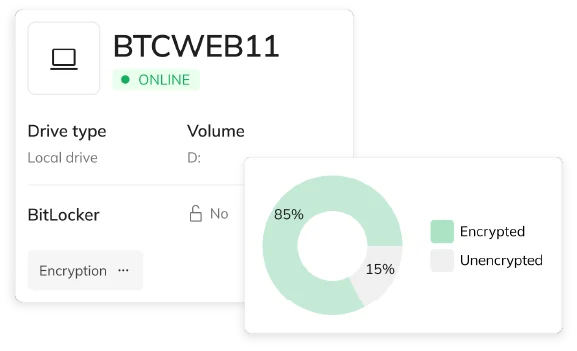
190k+
Monitored devices
1 platform
Data Protection and IT Security
DLP
Cloud and On-Premises
24/7
event monitoring
Why do you need a DLP system?
Data can leave the organization via USB, email, the cloud, instant messaging, a printer, the clipboard, or an app. Without centralized policies, it’s hard to know what users are doing with company information.
Lack of control over data
You don’t know where confidential files are copied, transferred, and stored.
Multiple leak paths
USB, email, the cloud, instant messaging, printing, and apps provide many ways to export data.
Lack of full context regarding the incident
A log entry alone is often not enough. You need information about the user, the device, the operation, and the activity.
Distributed tools
Separate systems for DLP, monitoring, and security increase costs and complicate analysis.
More Challenging Audits
The lack of an incident history makes it difficult to demonstrate that the organization has the information leakage risk under control.
A reaction only after the fact
An effective DLP solution should detect and block risky activities before data leaves the organization.
DLP System Features for Data Protection
A single place to define policies, control data leakage channels, monitor events, and analyze incidents.
01
Device control and protection
Control USB devices, external drives, Wi-Fi, Bluetooth, printers, and other devices connected to computers
Check Device Monitoring and Protection ->
02
Data protection in use
Monitor and control the operations performed on data during users’ daily work.
Check Data Protection in Practice ->
03
Data Protection in Transit
Monitor data transfers via email, the cloud, instant messaging, and other communication channels.
Check Data Protection in Transit ->
04
File Operation Control
Track and block copying, moving, deleting, renaming, and other operations on files
Check file operation control ->
05
Application and Process Control
Monitor processes and limit the use of applications that could serve as a channel for data leaks.
Check controls for operations and processes ->
06
Clipboard and Screenshots
Control the copying of information between apps and reduce the risk of data being captured via screenshots.
Check clipboard and screenshots ->
07
Classification and Protection of Documents
Classify information and apply stricter policies to data requiring special protection.
Check classification and protection of documents ->
08
Policies and Automatic Responses
Define rules for users, devices, applications, and operations. Monitor, alert, or block.
Check policies and automated response ->
09
Reporting and Event History
Analyze incidents, trends, and user activity in a centralized reporting system.
From Detection to a Complete Picture of the Incident
DLP in eAuditor allows you to move from a single incident to a documented risk analysis.
Analyze
The administrator receives the context needed to assess the incident and determine how to respond.
DLP and NIS2, DORA, ISO 27001, and KSC
Protecting data from leaks is one of the key technical measures in information security management.
NIS2
Data leak prevention and incident management
ISO/IEC 27001
Information protection and access control
DORA
Data flow control and ICT risk management
KSC
Threat monitoring and data protection
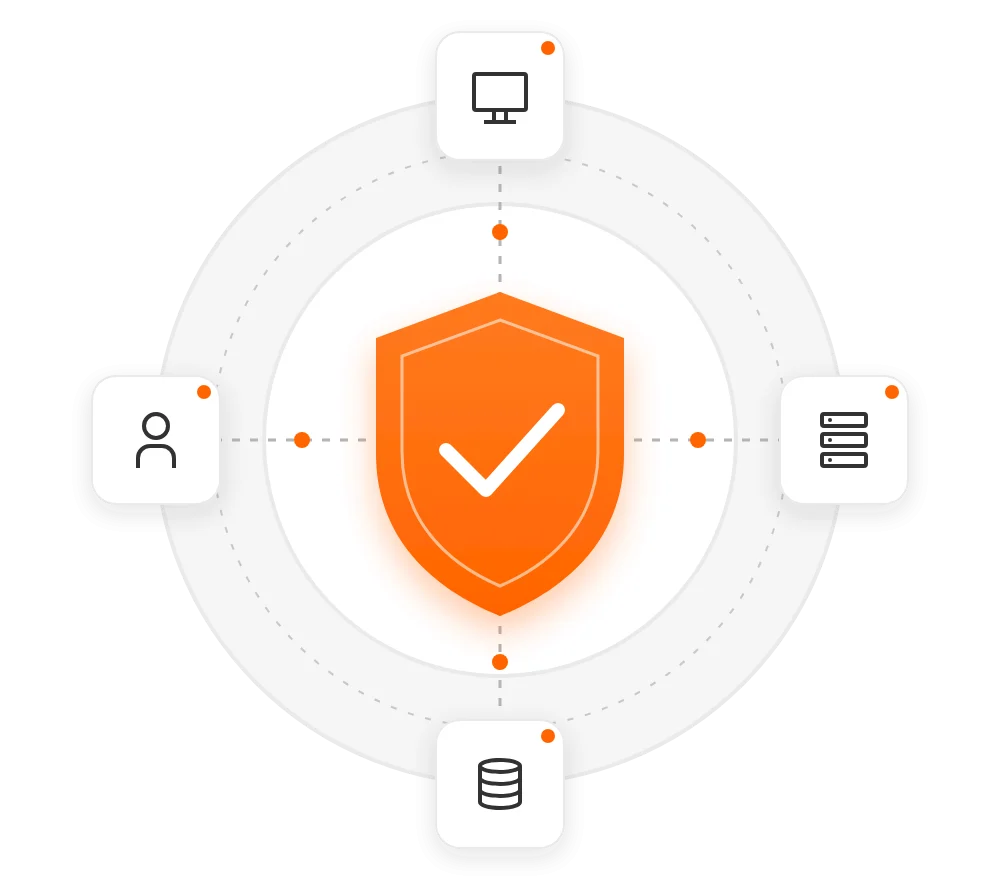
DLP in the cloud or On-Premise
Frequently Asked Questions About DLP
DLP (Data Loss Prevention) is a set of mechanisms designed to detect, monitor, and limit the unauthorized use, copying, and transfer of data.
Yes. DLP policies allow you to control devices and operations performed on data storage media.
Yes. It is possible to monitor and control file operations, including copying, moving, deleting, and renaming.
Yes. eAuditor allows you to monitor selected data transmission channels, including email and supported cloud services.
Yes. Screen monitoring can provide additional evidence to help analyze the user’s activity in connection with the incident.
Yes. DLP is part of the eAuditor platform, which allows it to use device and user information available in other areas of the system.
Yes. The solution is available in the eAuditor cloud model and as an on-premises platform.
You know what data you have. You know where it goes. You know who does what with it.
See how eAuditor DLP can protect your data from leaks.