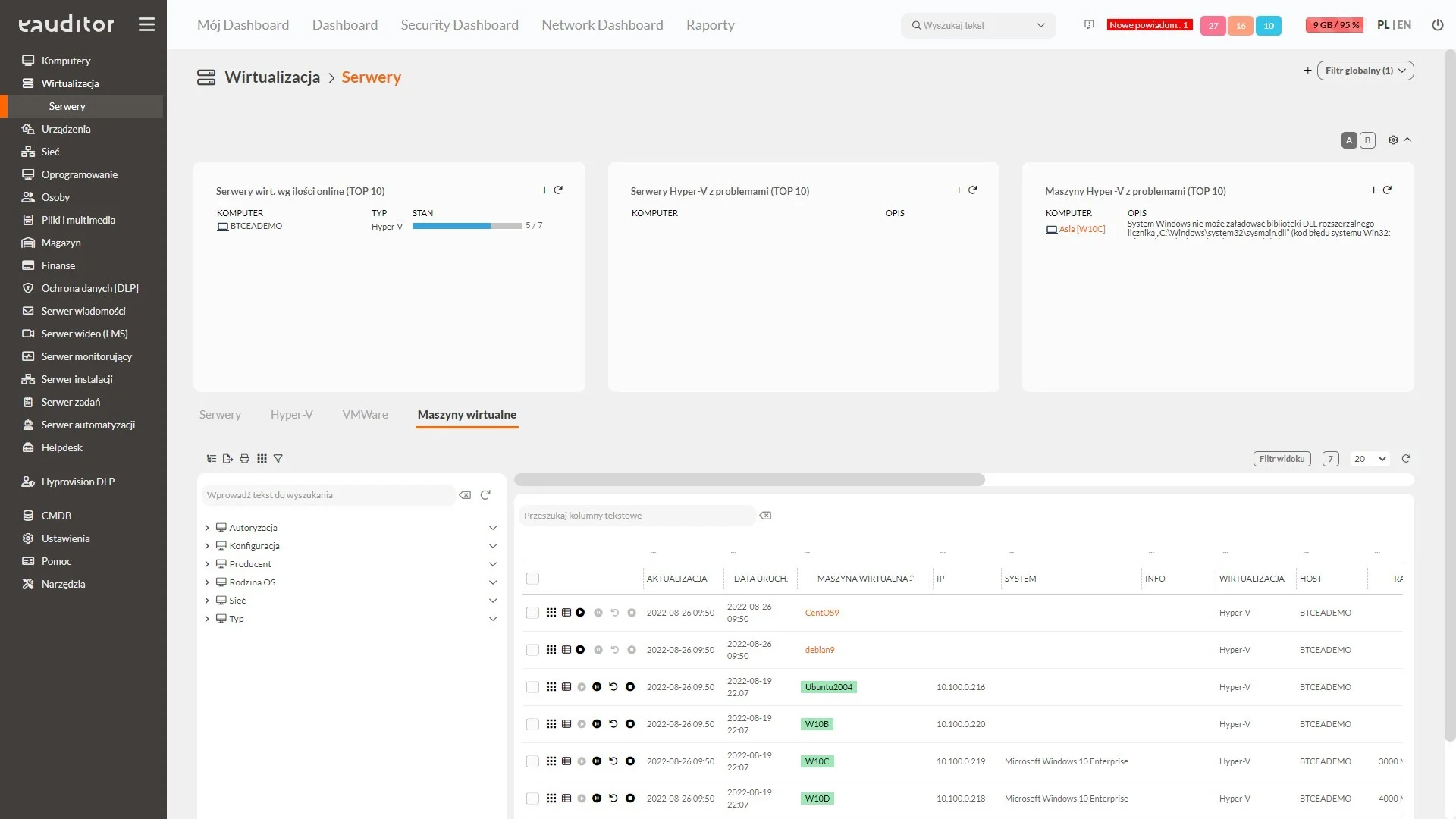
Inventory of virtualization servers and virtual machines
- Hyper-V and VMWare inventory
- Predefined reports
- Up-to-date information about the status of servers and virtual machines
Inventory of virtualization servers
The eAuditor system enables a detailed inventory of virtualization servers in an organization. Three main technologies are supported: Microsoft Hyper-V, VMware and Proxmox , which are commonly used in corporate environments to manage IT infrastructure. As with the inventory of physical computers, it is possible to read detailed information about a virtualization server.
Information collected during the virtualization server inventory includes:
- Server name
- CPU
- Number of CPU
- Number of cores
- RAM
- Memory usage by VM
- Disk space
- VM’s use of disk space
- Information about network cards
- MAC and IP addresses
- Installed operating system
- Date of server startup
- Current load on the host
- Information about the Proxmox cluster
By installing the eAgenta service, more detailed information can be read, providing full transparency and control over the virtual infrastructure. Administrators can use predefined reports to get detailed summaries showing the current status of their virtualization servers, including hosts running in Proxmox environments and their current resource utilization.
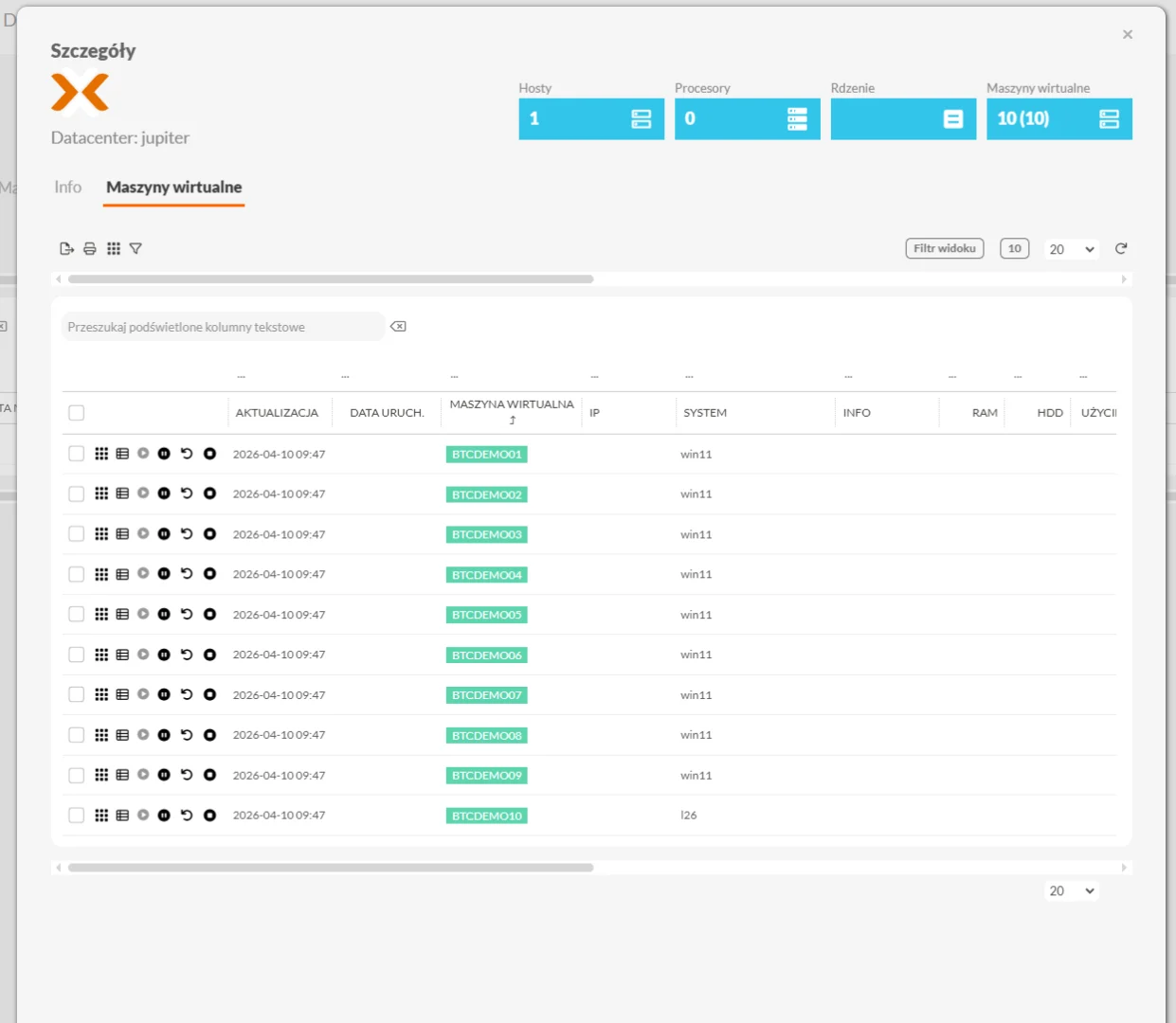
Inventory of virtual machines
The inventory of virtual machines running on servers in an organization is as important as the inventory of virtualization servers. The eAuditor system enables detailed data collection on each virtual machine, including those running in Proxmox environments, which is crucial for managing resources and optimizing their use.
Information collected during VM inventory includes:
- Name of the virtual machine
- CPU
- Number of CPU
- Number of Cores
- RAM
- Disk space
- Storage space utilization
- Information about network cards
- Installed operating system
- Date of machine start-up
- Machine assignment host
- Current status of the machine
- MAC and IP addresses
By installing the eAgenta service, it is possible to read more detailed information about virtual machines, just as with physical computers. Administrators can use predefined reports to get detailed summaries showing the current status of their VMs, even in Proxmox environments, making it easier to manage and optimize IT resources.