
Monitoring Ports and Services
-
Scanning of ports and IP ranges
- Identification of unavailable services
- Scanning schedules
- Results on maps and device lists
Spis treści
Port and service monitoring
The availability of network services affects the operation of applications, servers, and devices used daily by employees. No response on a given port may indicate an unavailable service, a configuration change, or a communication issue, so administrators need a clear picture of the infrastructure’s status.
eAuditor uses a network scanner to examine specified IP address ranges and selected ports. Results displayed in the console help identify which services respond during checks and which require further verification. Scanning schedules can also be used to keep information about the network environment regularly updated.
Combining scan results with the device view and network maps simplifies diagnostics and allows service availability to be analyzed in the context of the entire infrastructure.
Key Capabilities:
- Scanning of selected ports and IP address ranges
- Identification of available and unavailable services
- Manual and scheduled scan execution
- Preview of results on device lists and network maps
- Filtering of resources by services and their statuses
Verification of port and service availability
The correct operation of network services depends on the availability of the ports used for communication. eAuditor allows you to specify the ports to be checked during scanning and link the results to specific IP addresses and devices.
This allows administrators to verify whether a given communication point is responding and quickly identify services requiring further diagnostics. A scan result reflects the port’s status at the time of the check; on its own, it does not confirm that the application is working correctly in full.
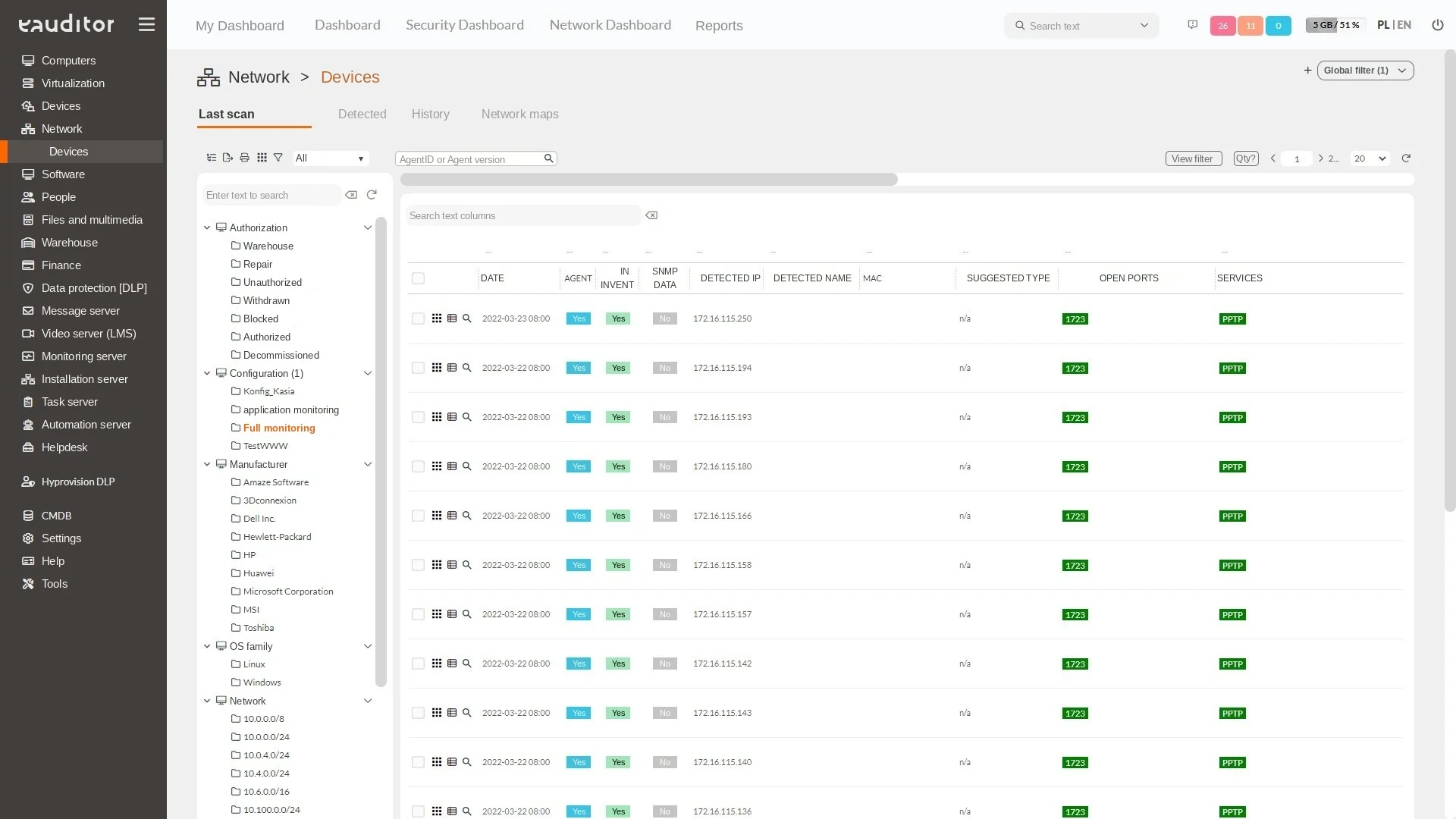
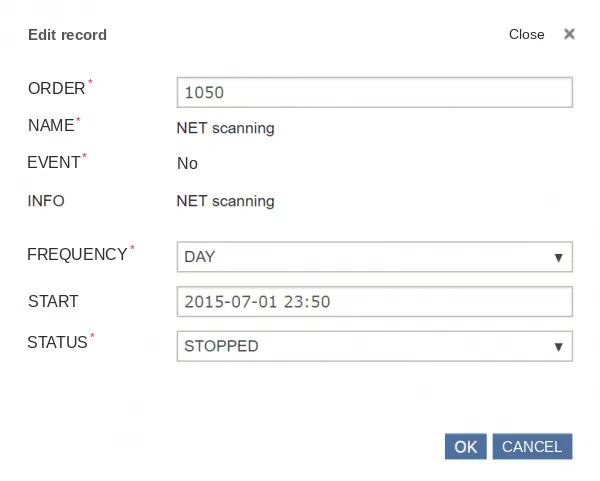
Recurring infrastructure scanning
With proper system configuration, it is possible to monitor devices and ports on a specific network. Any irregularities detected among monitored devices can trigger automatic notifications to the IT administrator. The system allows scanning a specific device along with its type, date, and status. If everything proceeds correctly, the administrator receives information that no failures were detected during the scan, or details on specific issues found. Additionally, scanning in the system can be performed in 3 ways: manually, via a schedule, or using DHCP requests. The eAuditor system also enables scanning of ports used by computers, making it possible to monitor the services used by devices within the organization. Network device monitoring supports the SNMP protocol, enabling you to check information about devices such as switches and ports – identifying which ones are free and which are in use, among other details. Network device monitoring therefore helps streamline the process of recording IT assets and responding to emerging issues. It also identifies new devices connected to the network.
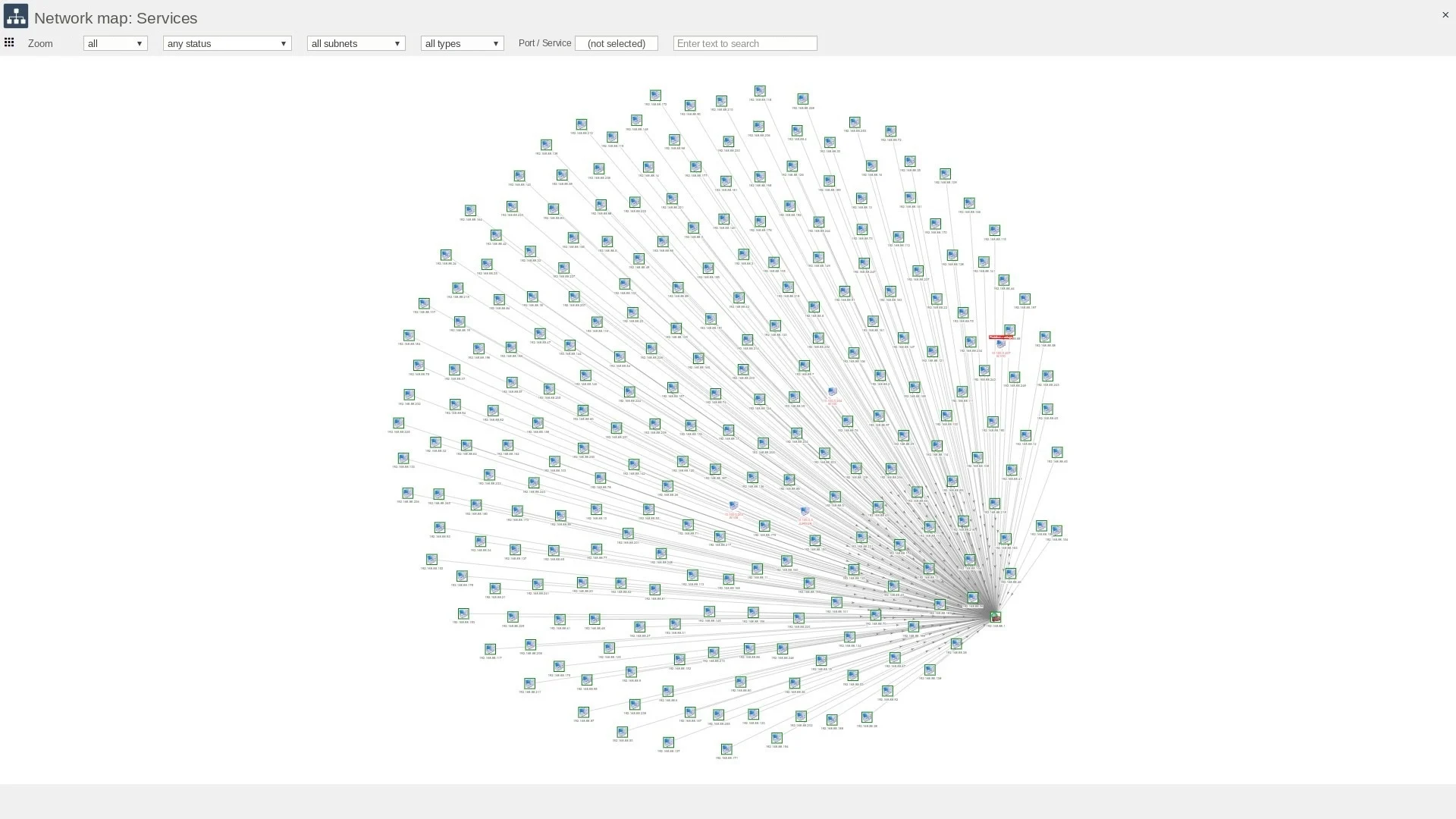
Network map and problem location
Scan results can also be analyzed in the context of network maps. Device and service views make it easier to determine which part of the infrastructure has an issue and which resources are affected.
Filtering maps by subnet, device type, port, and online/offline status allows the analysis to be narrowed down to the relevant part of the environment. This means the IT team doesn’t have to review the entire infrastructure during every intervention..
Network communication diagnostics
Information about port availability is useful when analyzing non-responsive applications, server access issues, or changes to network security configurations. It serves as a starting point for determining whether the problem lies in communication with the device, a specific service, or a deeper application layer.
A central view of results makes it easier to share information between administrators and document the scope of checks performed. A detailed interpretation of the causes of failures still requires analysis of device and service configurations.
Benefits
Would you like to learn more about this feature? Read our article “IT Network Monitoring – Running Your Business Securely”