
Automated Software Distribution
- Installation package repository
- Remote software installation
- Target computer selection
- Application standardization
Spis treści
Automated Software Distribution
Deploying applications on multiple computers can be time-consuming, especially when employees use devices in different locations. Manually running installers on each workstation makes it difficult to maintain consistent software versions and prolongs the execution of standard administrative tasks.
eAuditor supports remote software installation from a prepared repository on appropriately configured computers. Distribution mechanisms help reduce the number of individual interventions at workstations and streamline the deployment of applications required by the organization.
The scope of available installation methods, supported formats, and automation depends on the function used and the environment configuration. Before deploying a package, it is advisable to confirm the installer parameters and target device requirements.
Key Features
- Central preparation of installation packages
- Software repository for deployments
- Remote installation on supported computers
- Specifying devices covered by distribution
- Support for software environment standardization
Installation Package Repository
Repeatable application deployment requires an organized storage location for installers. The repository available in eAuditor can serve as a starting point for preparing remote installations on computers that meet technical requirements.
The administrator should verify the package version, required startup parameters, and the installer’s behavior in unattended mode, if such a mode is used. A properly prepared package reduces the risk of discrepancies between workstations.
Remote Installation on Computers
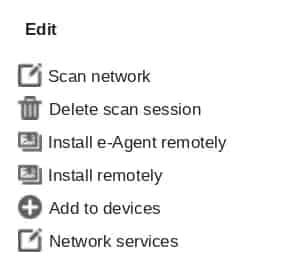
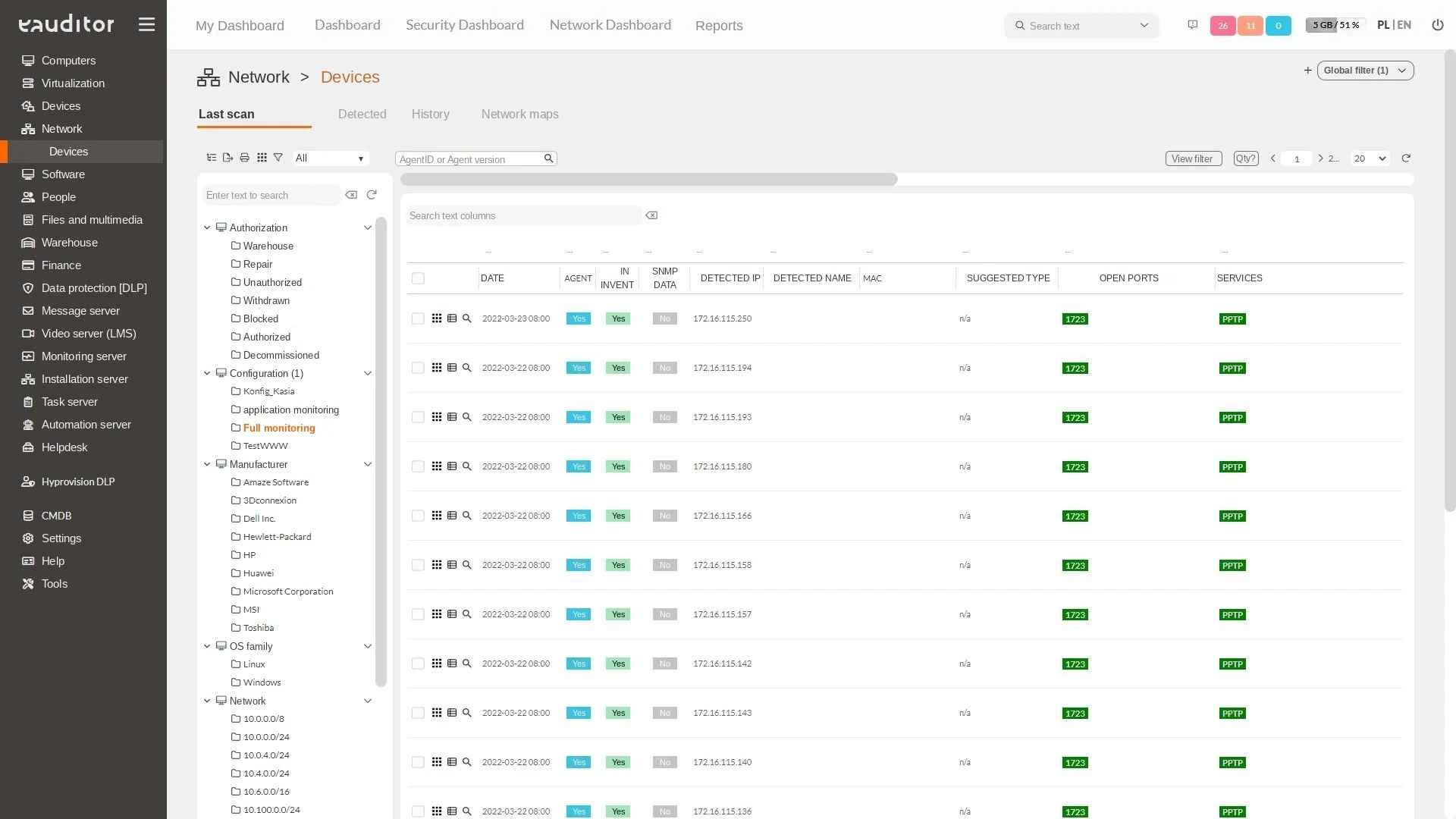
Instead of installing the same application sequentially on individual workstations, the administrator can specify target computers and initiate the installation remotely. The network scanner function supports software installation on appropriately configured devices in the local network, even without a pre-installed eAgent, in accordance with the manufacturer’s requirements.
The effectiveness of the operation depends on device availability, permissions, system compatibility, and package correctness. Distribution does not relieve the necessity of considering the licensing terms of the deployed software.
Application Standardization on Workstations
A uniform set of tools on employee computers facilitates technical support and reduces the number of configuration exceptions. Remote distribution can support the preparation of new workstations and the completion of missing programs in selected device groups.
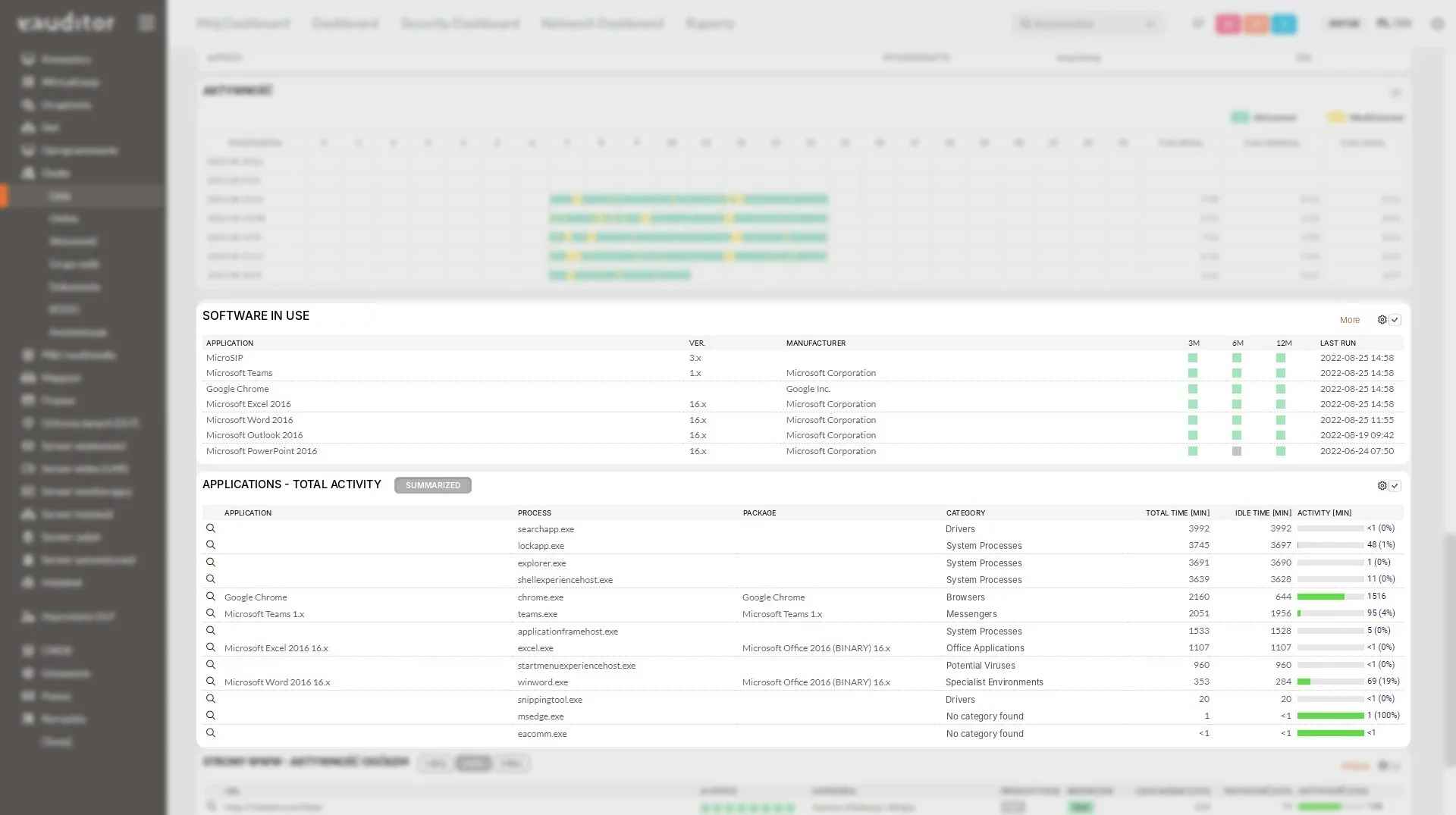
In conjunction with application inventory, the IT department can check where software has been detected and which computers require further verification. However, the mere detection of an application does not confirm that the installation was completed correctly in every aspect.
Deployment Control and Planning
Before large-scale distribution, it is advisable to test the package on a small group of devices and then verify the results. This helps identify problems dependent on the system version, required components, or local computer configuration.
Deployment planning should consider the impact of installation on user work, device availability, and the potential need for system restart. eAuditor supports the technical execution of distribution, while change approval procedures and risk assessment remain elements of the organization’s administrative process.
Benefits
Want to learn more about this functionality? Read the article “Effective Device Monitoring in the Network”