
Managing agents and computers
-
Central Computer Register
- Online and Offline eAgent Status
- Inventory Data Currency
- Remote eAgent Installation
Spis treści
Managing agents and computers
A large number of workstations requires efficient access to information about the status of managed computers. The administrator should know which devices are registered, whether they communicate with the system, and if the inventory data is current.
eAuditor uses eAgents to collect information about computers and perform selected administrative tasks. The central console allows viewing managed assets and analyzing communication status with the agent, without the need for manual checking of each workstation.
The solution supports the management of computers in the local network and mobile devices that are periodically outside direct connection to the server. Data collected during connection loss can be transmitted once connectivity is restored.
Key Features
- Central Register of Computers and eAgents
- View Online and Offline Device Status
- Control of Inventory Data Currency
- Support for eAgent Installation on Network Computers
- Support for Devices Periodically Working Outside the Corporate Network
Computer Overview in a Single Console
The list of managed devices provides a starting point for daily IT environment administration. Instead of using several independent lists, the administrator can search for a computer by identification data and access its details.
Combining information about configuration, user, and device status facilitates infrastructure reviews, report generation, and planning subsequent service activities.
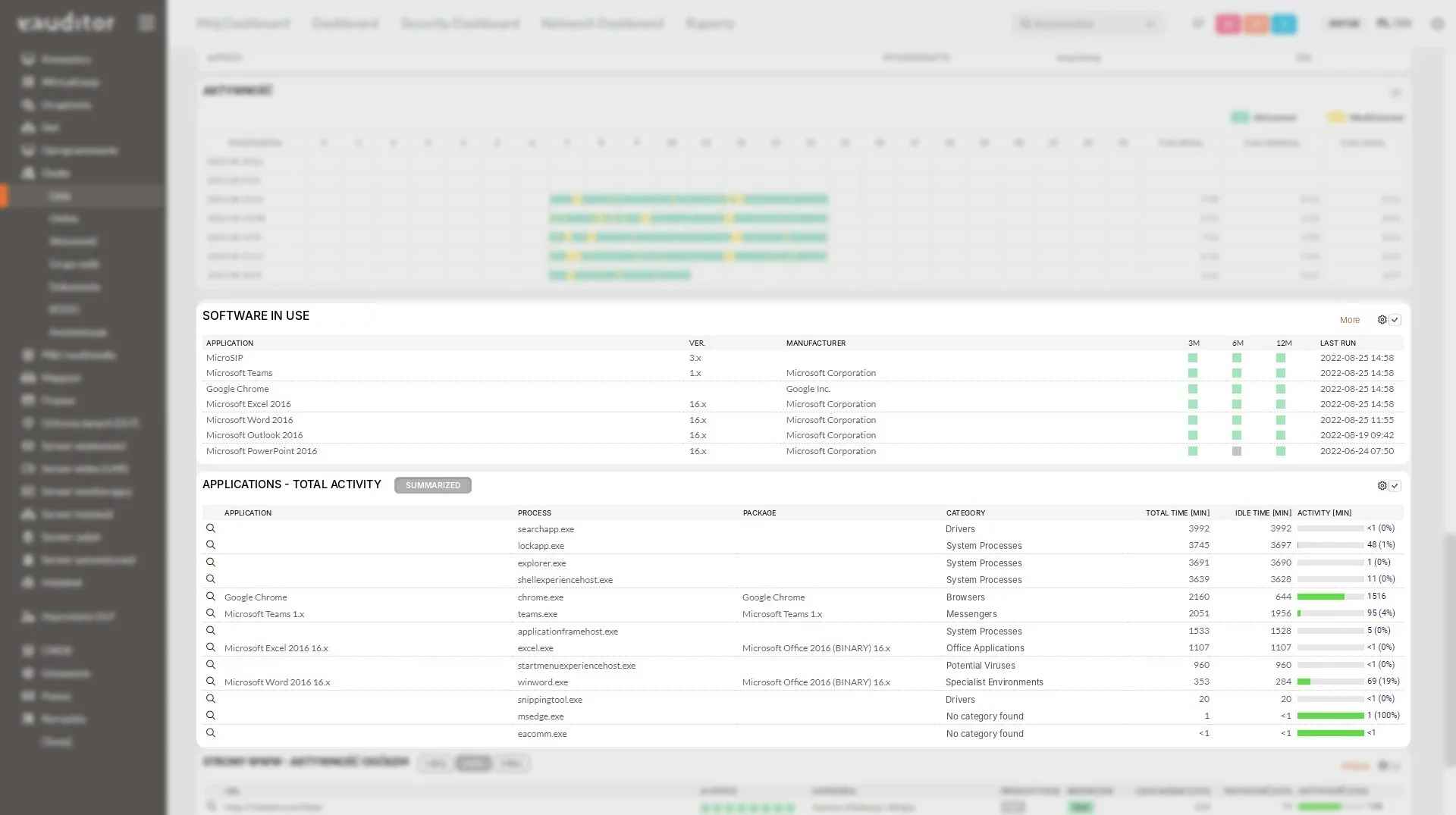
eAgent Communication Status
Current records depend on the devices’ ability to transmit data. The eAgent’s connection status and last communication time help assess which computers provide current information and which require additional verification.
A computer operating outside the local network may temporarily not connect to the server. This does not automatically mean a device failure; communication status must be interpreted in the context of its usage.
Agent Deployment and Maintenance
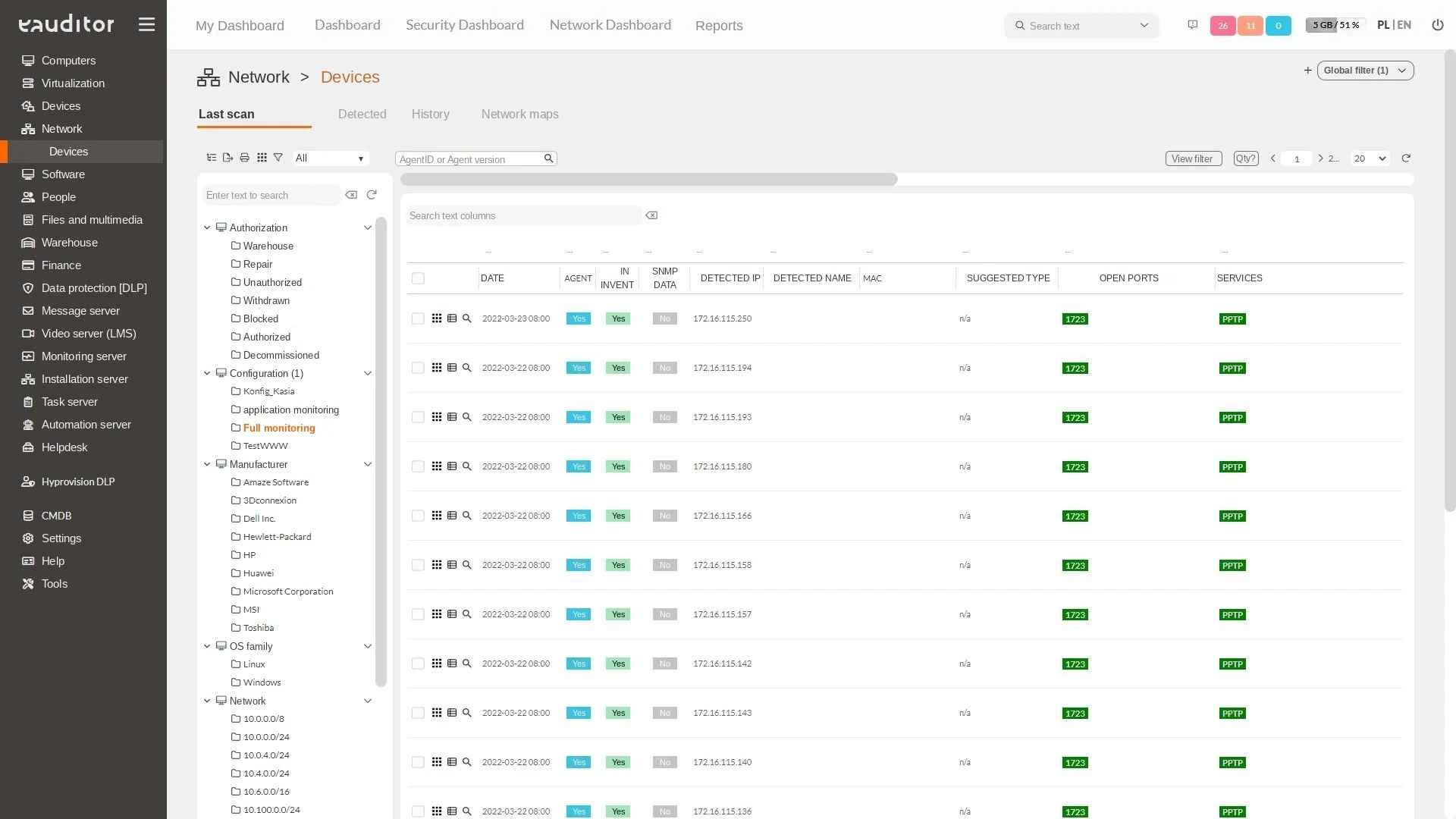
Launching central management requires installing an agent on the appropriate computers. As part of the eAuditor network scanner, remote eAgent installation is provided for compatible and correctly configured devices.
This solution reduces the number of manual installations during deployment and environment expansion. Before performing the operation, system requirements, network availability, permissions, and target station configuration must be considered.
Device Inventory Currency
The state of computers changes with system updates, software installations, or component replacements. Regular data acquisition by eAgents allows maintaining a more current picture of the infrastructure without creating hardware cards from scratch.
Analyzing the dates of the last scans and communications helps distinguish genuinely detected configurations from data that requires refreshing. This is particularly important in hybrid environments where not all computers remain constantly connected to the corporate network.
Benefits
Want to learn more about this functionality? Read the article “Effective Device Monitoring in the Network”