
Remote Management via CMD and PowerShell
- Remote Management via CMD and PowerShell
- PowerShell Scripts and Commands
- Tasks for Computer Groups
- Task statuses and completion results
Spis treści
Remote Management via CMD and PowerShell
Not every administrative task requires opening a remote desktop or having physical access to a computer. Verifying selected settings, running a script, or executing a diagnostic command can be done from the central console, provided the user has the appropriate permissions and the device is accessible.
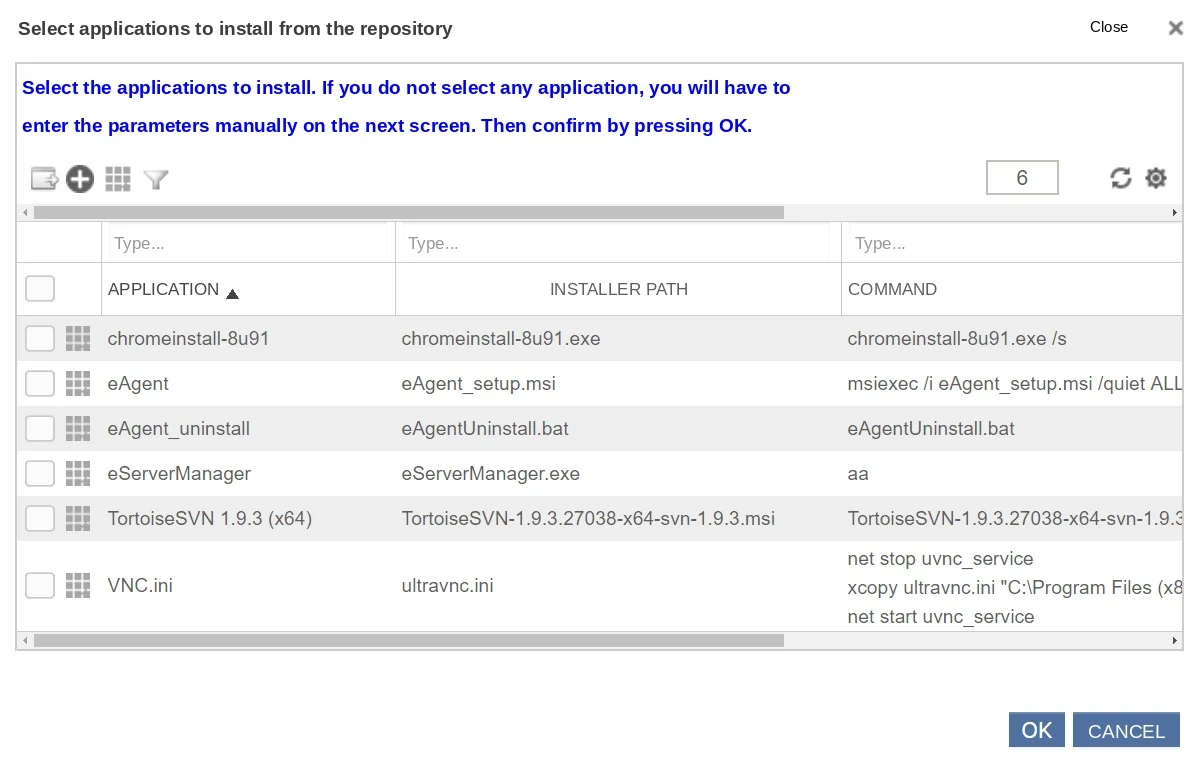
eAuditor supports the remote execution of CMD and PowerShell commands on managed computers. This allows administrators to perform repetitive technical tasks, run diagnostic commands, and carry out maintenance activities without having to visit each workstation individually.
Remote command execution helps standardize administrative tasks; however, each command should be verified beforehand, and its use should be limited to the appropriate group of devices.
Key Features
- Running CMD commands on selected computers
- Running PowerShell Scripts and Commands
- Centralized Handling of Administrative Tasks
- Using Commands for Diagnostics and Configuration
- Reducing the need for hands-on work at the workstation
Administrative commands from the central console
W środowisku obejmującym wiele komputerów wykonywanie tej samej operacji na każdym urządzeniu osobno jest czasochłonne. Zdalne polecenia pozwalają przeprowadzać wybrane czynności z jednego punktu zarządzania i szybciej reagować na standardowe potrzeby serwisowe.
Administrator może przygotować polecenie CMD lub PowerShell odpowiednie do zaplanowanej czynności i skierować je na obsługiwane urządzenia. Efekt zależy od treści polecenia, konfiguracji komputera oraz uprawnień konta, w którego kontekście zadanie jest realizowane.
Diagnostics Without Taking Over the Desktop
Basic system checks, reading selected parameters, or verifying configurations do not always require an interactive session. In many situations, it is sufficient to execute the appropriate command or script.
A remote mechanism simplifies the execution of such tasks in a distributed organization and allows administrators to devote more time to analyzing the information obtained. However, it does not replace a full diagnosis of problems that require interaction with a user or an application.
Repeatable Actions on Groups of Computers
Installing a configuration patch, checking a specific service, or running a cleanup script may affect multiple devices with similar purposes. Centralizing these operations helps ensure a consistent approach.
Before applying a command to a larger group, it’s a good idea to test it on a limited number of computers, verify the required permissions, and consider the task’s impact on users’ work. This approach reduces the risk of unintended changes to the environment.
Oversight of Task Implementation
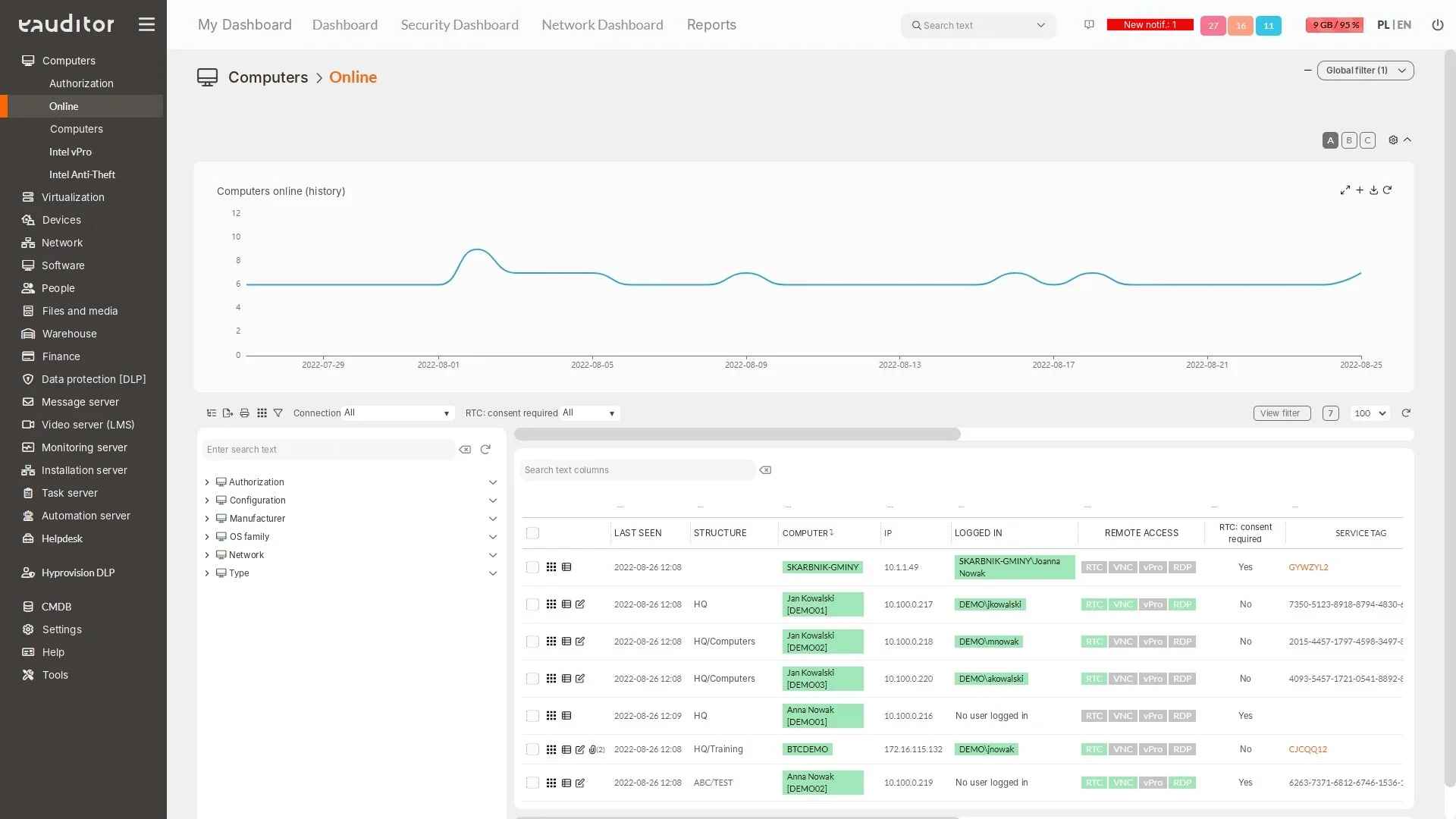
After running a command, it is important to verify whether it reached the device and whether it produced the expected result. Depending on the available view, the administrator should analyze the task statuses and the execution results provided.
Reasons for failure to execute may include, among others, the computer being unavailable, permission restrictions, or errors in the script itself. Therefore, remote commands should be treated as an execution tool that requires verification of the results, rather than as a guarantee that every operation will be completed successfully.
Benefits
Would you like to learn more about this feature? Read our article “IT Network Monitoring – Running Your Business Securely”