
Linking Users to Devices
- Devices Assigned to Employees
- User and computer data combined
- Transfer and Return Protocols
- Filter by department and location
Spis treści
Linking Users to Devices
In an organization, one employee may use several devices, and the same computer may be passed on to subsequent users. To maintain order in records and efficiently handle technical requests, the ability to quickly determine who is using a given asset is essential.
eAuditor compiles user information with data about computers and other equipment. The administrator can view equipment assignments, identify device users, and refer to handover and return documents. This association links technical asset records with their utilization within the organizational structure.
Dependencies between employees, computers, and locations help streamline workstation support, plan equipment transfers, and prepare reports for individual departments.
Key Features
- List of devices assigned to employees
- Access to user and computer data in a single record
- Identification of current and past associations, when available
- Support for equipment handover and return documents
- Filtering assets by user, department, or location
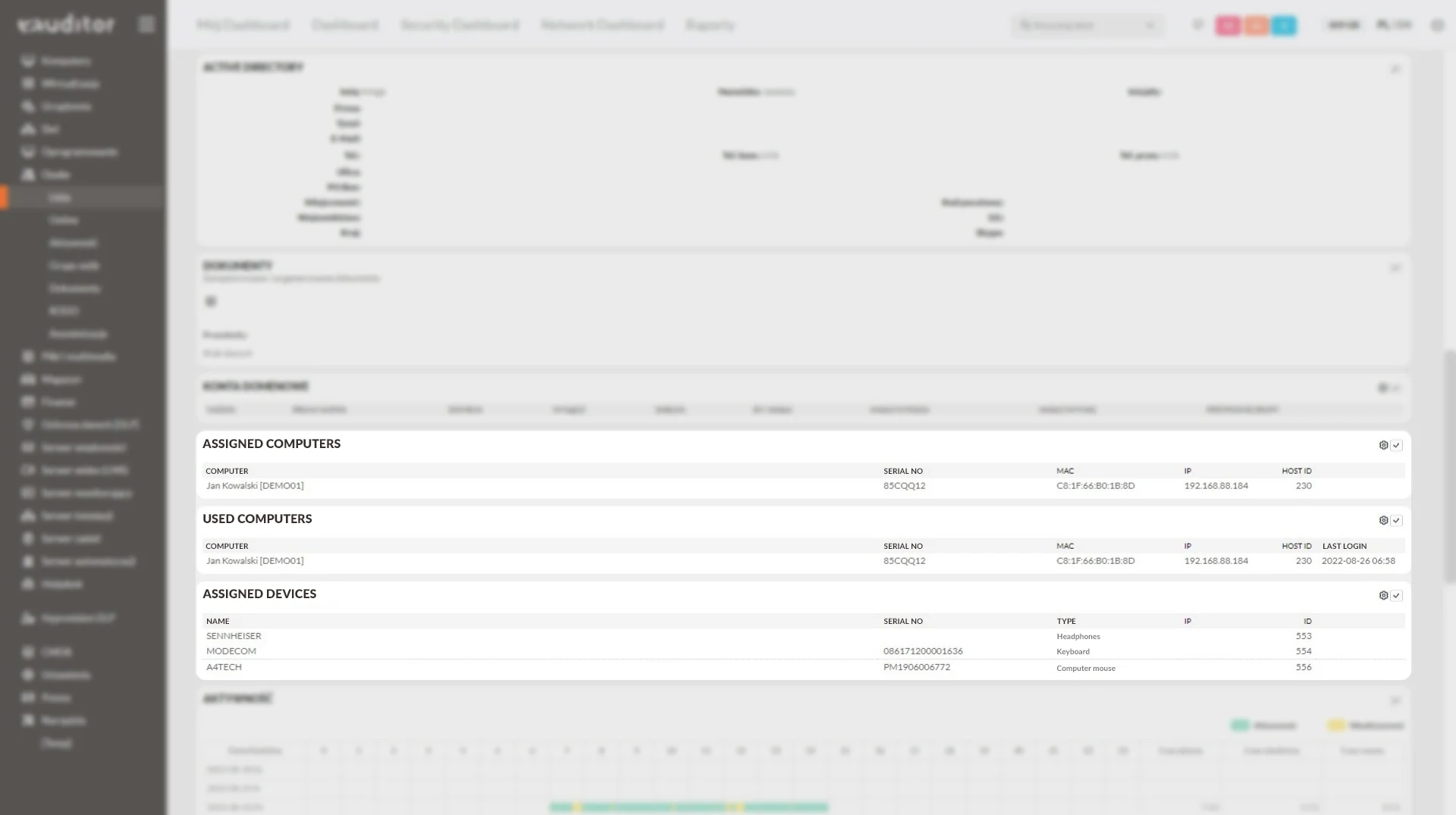
User and Equipment in One View
Searching for computer data should not require separately determining who is currently using it. Linking the device record to the user allows the administrator to quickly access basic organizational and technical information.
The assigned devices view is useful for handling support tickets, preparing new workstations, and verifying employee equipment. It also helps reduce discrepancies between the equipment list and the actual circulation of devices.
Assignments in the Organizational Structure
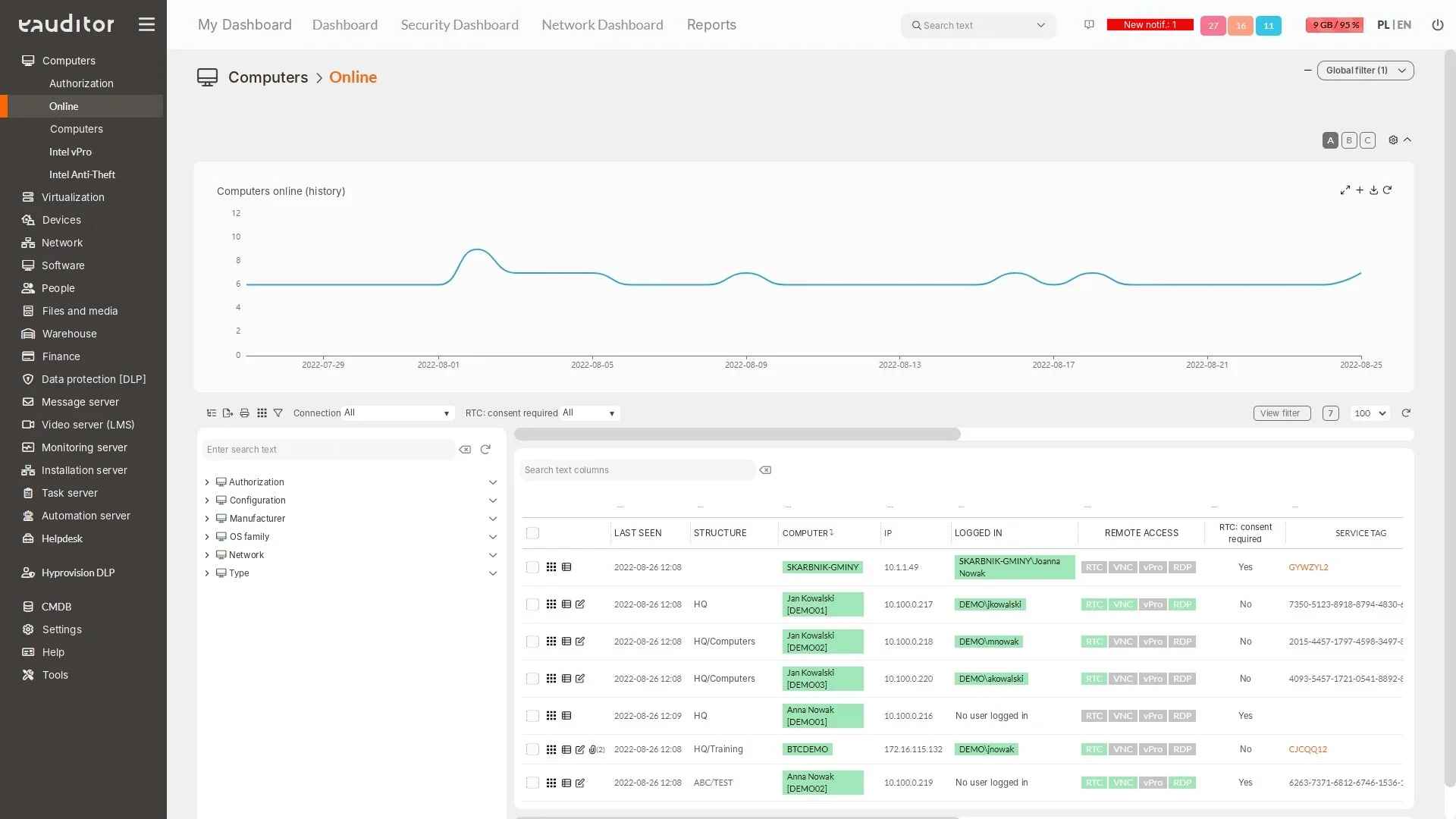
The computer’s name alone is not always sufficient to determine its usage location. Information about the employee, department, location, or room provides the necessary context for managing distributed equipment.
The administrator can use this data to prepare an equipment overview for a branch or to determine where a specific device has gone. This is particularly important during position changes and team reorganizations.
Equipment Handover and Returns
Issuing a computer to a new person or retrieving it after collaboration ends requires consistent documentation. eAuditor supports handover protocols (PP), return protocols (PZ), and a combined return and handover process (PZ+PP).
Documenting such operations helps link user changes to specific devices and maintain a history of formal equipment circulation. The protocol can serve as the basis for equipment settlement, without replacing company material liability policies.
Utilizing Assignments in IT Administration
Linking a user to a computer helps shorten the time to diagnose support tickets, as the administrator can more quickly move from the person reporting the problem to their device’s data. This also facilitates preparing for hardware changes and checking equipment before an employee transfer.
Assignment reports can support periodic record audits, identification of unassigned assets, and planning for computer reuse. It is important to distinguish current assignment information from data on actual user activity on the device.
Benefits
Want to learn more about this functionality? Read the article “Effective Device Monitoring in the Network”