
ITSM – IT Service Management and Incident Handling
ITSM – IT Service Management and Incident Handling
Turn day-to-day issue handling into a structured process. Help employees get the support they need and allow the IT team to focus on issues that require action.
Receive requests, prioritize tasks, and manage cases from initial contact through resolution.
1100+
eAuditor Implementations
190k+
Monitored devices
4100+
Training sessions conducted
20+
Lat rozwoju
Why do you need an ITSM system?
When requests for help are sent to different inboxes and messaging apps, it’s easy to lose track of what’s waiting for a response. Employees end up asking the same questions over and over, and the IT team wastes time organizing the information.
- Requests scattered across multiple channels
- Unclear order of case handling
Difficulties in determining who is handling the issue
Frequently Asked Questions About the Progress of the Work
Lack of context when delegating a task to another person
Knowledge of the solution is held by only one service technician
ITSM Features for Handling Service Requests and Supporting Employees
Combine the handling of requests with employee self-service and assistance in preparing responses.
01
Helpdesk – IT Support
Log issues, assign support teams, set priorities, and track the history of actions. Linking issues to users and computers makes it easier to gather context for each case.
Learn about the feature ->
02
Employee Dashboard – Requests and Statuses
Provide employees with a place to report issues and check the status of their requests. Allow them to revisit previous cases without having to contact a service representative.
Learn about the feature ->
From reporting a problem to efficient service
IT support starts with understanding the environment
Consider the report in the context of your organization’s devices, users, and processes. Explore the other features of the eAuditor platform.
ITAM
You know what resources you have, where they are located, and who is responsible for them.
Meet ITAM ->
Transparent Service as an Element of Security Management
A well-organized workflow helps an organization document its activities. Incorporate incident handling into your security and control procedures.
NIS2
Handling security-related matters
ISO/IEC 27001
Transparency of operational activities
DORA
Documenting ICT issues
KSC
Support for internal procedures
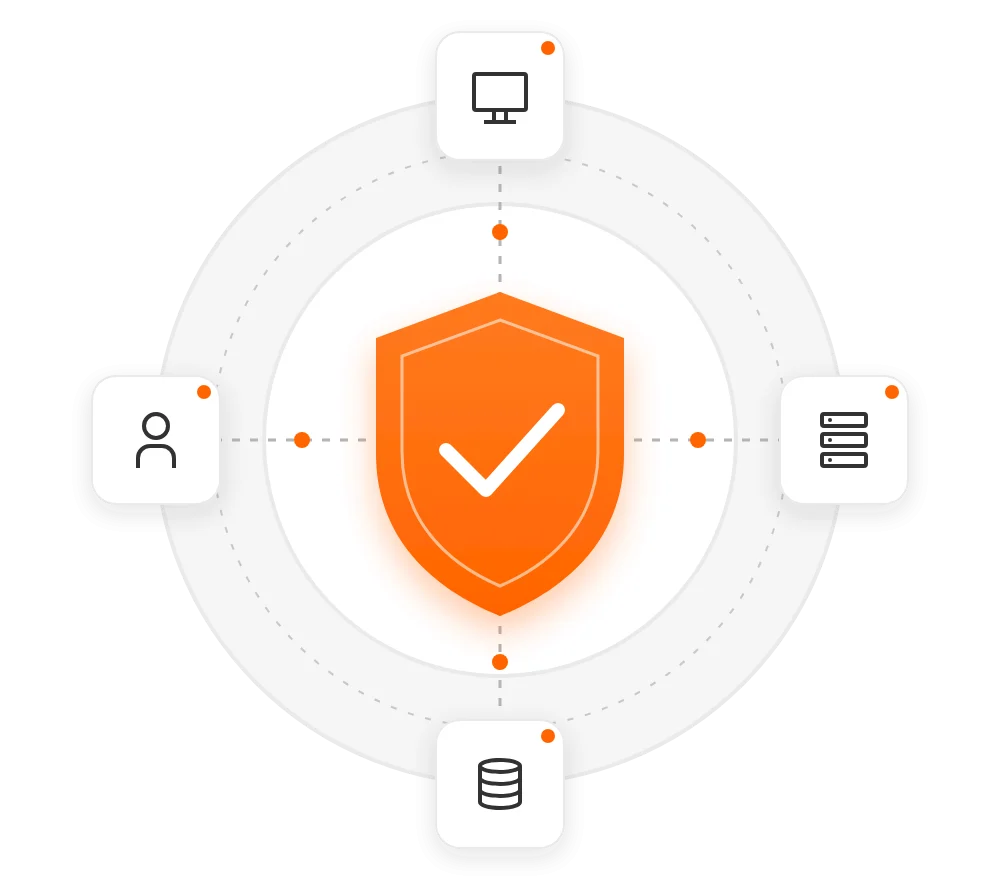
ITSM in the cloud or On-premise
Frequently Asked Questions About ITSM
ITSM stands for IT Service Management: organizing the way the IT department supports users and meets business needs.
From determining where employees report problems, who is responsible for handling them, and how the urgency of issues is assessed.
Agree on common category names, operating procedures, and team responsibilities. This will ensure that the system reflects how work is actually done.
No. Service management also covers user needs and the organization of support. The scope of processes carried out in eAuditor will be determined during the presentation.
A streamlined process. More efficient service. More time for IT.
See how to streamline communication with employees and the day-to-day work of the support team.