
Monitoring the virtualization environment
- Monitoring Hyper-V, VMWare i Proxmox
- Virtualization servers (hosts)
- Virtual machines (guests)
Table of contents
Monitoring Hyper-V and VMWare
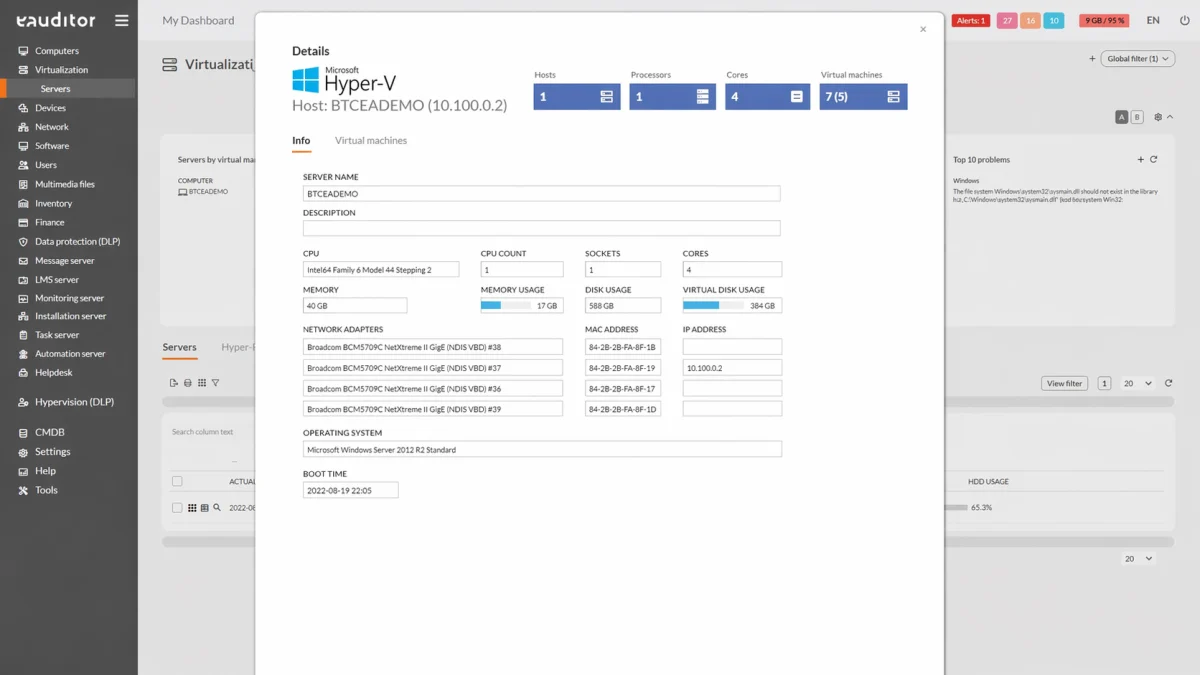
Monitoring virtual environments is an important aspect related to the operation of an organization. By implementing the eAuditor system into an organization, it is possible to control virtualization servers (hosts) and virtual machines (guests). Monitoring virtualization involves automatic periodic scanning of the network to identify virtual environments (servers), and then connecting to a given virtual environment (using the built-in API) and reading its parameters (virtual machines). In eAuditor, we can get information about two types of virtualization: Hyper-V and VMware, which support all versions.
Monitoring of virtual machines and servers
In the eAuditor system, the administrator monitors virtual machines and servers and gains key information about these resources. It has insight into information about:
- execution of the last update,
- IP of the computer on which the virtual environments are installed,
- RAM consumption, HD,
- type of virtualization,
- operating system.
The administrator also has information about which machine is running and which is not. For ease of monitoring, enabled machines are highlighted in green.
It’s also possible to monitor selected machines even without eAgent installed (thanks to the use of the API) and read basic information, such as update execution time, detected IP, system type, virtualization, and RAM usage. In addition, a detail tab informs the administrator about the status of virtual machines.
Monitoring virtualization environments
The functionality allows you to support and monitor any number of networks where the search for virtualization environments will be performed. The scheduler allows scanning with a frequency starting from one minute The system allows generating static and parametric reports. The built-in report scheduler allows you to send reports by e-mail and save them freely. The report shows virtualization data in detail. With them, the user can see which virtualization servers are set up and currently available. The eAuditor system includes the following types of virtualization reports:
- summary of virtualization servers,
- summary of virtual machines.
Extended virtualization – support for Proxmox
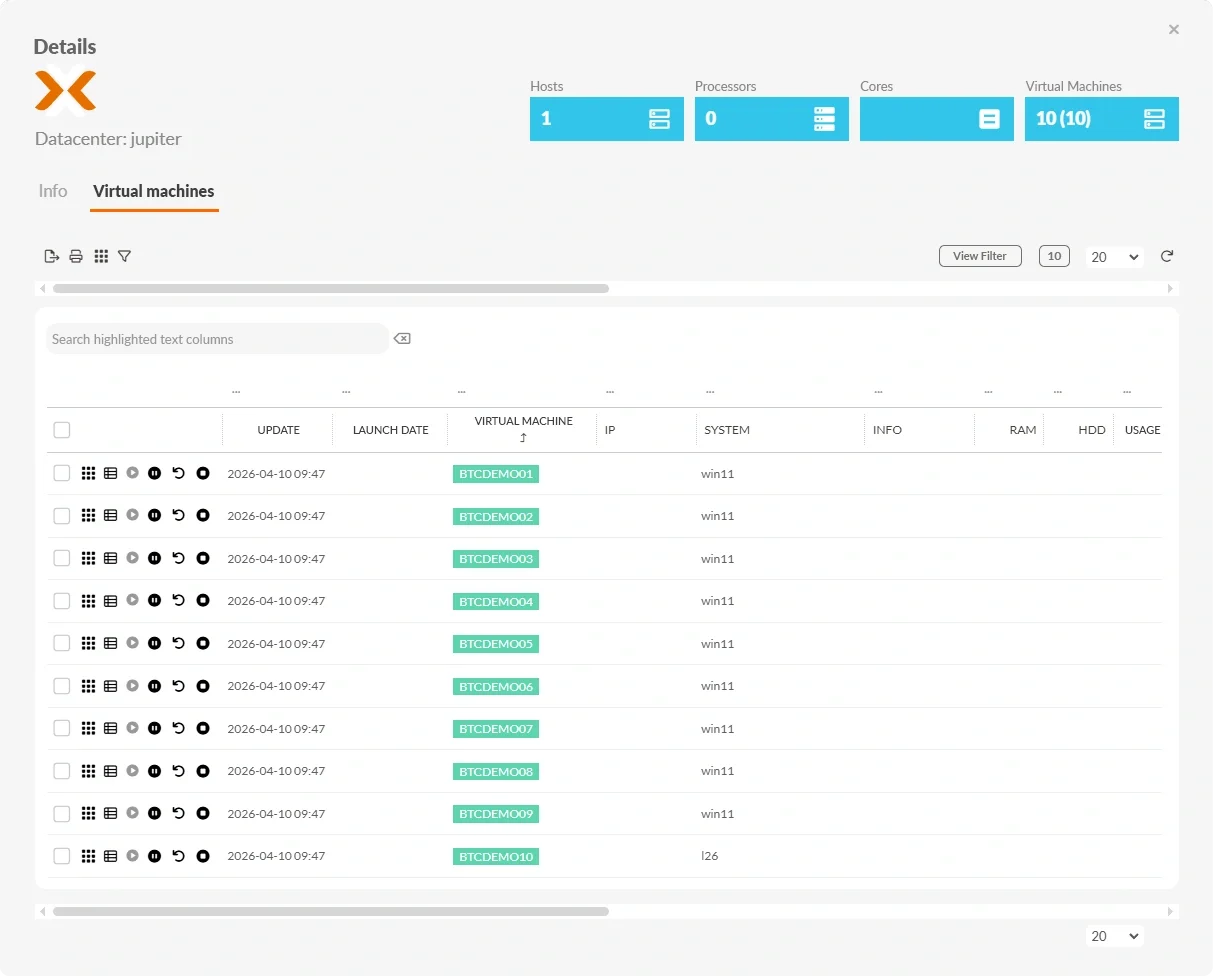
The functionality is an extension of the monitoring module for virtualization environments and enables support and ongoing supervision of environments based on the Proxmox platform. The system allows monitoring any number of hosts and virtual machines, providing full real-time visibility of infrastructure parameters.
The mechanism supports cyclic scanning of the environment according to a schedule and presentation of data in the form of static and parametric reports. Information about hosts, virtual machines and resource utilization is integrated with other eAuditor system modules, which enables central management of the IT environment.
The functionality enables detailed analysis:
- Proxmox hosts
- virtual machines
- CPU, RAM and storage utilization
- host loads
- environmental accessibility
- overloads and unused resources
The solution also supports the migration process from VMware to Proxmox, maintaining continuous monitoring and full control of the infrastructure during the transition to the new environment.
The following types of reports on Proxmox environments are available in the eAuditor system:
- summary of virtualization hosts
- overview of virtual machines
- CPU, RAM and storage usage report
- host load report
- environmental accessibility report
Benefits
Want to learn more about this functionality? Read our article “How to improve server monitoring?”