
We are trusted by more than 900 customers



Remote access methods

RDP
Work on computers on the local network with full control over the system and its resources. Stable connection and real-time access to the user’s environment.

RTC
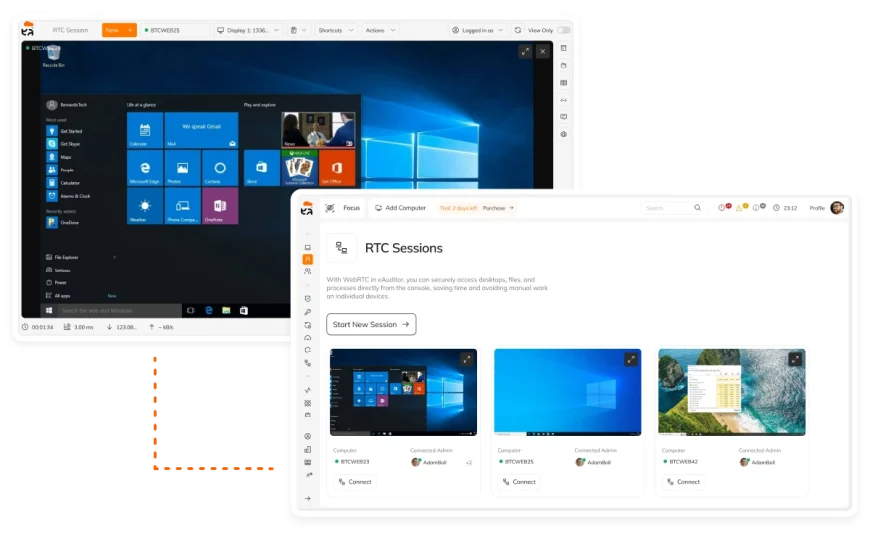
Real-time connection via browser – even outside NAT. Quick access to devices without installing additional software.
VNC/UVNC
View and interact with an active user session by transmitting a screen image. Multi-system compatible solution used in IT support.
Intel vPro/AMT
Manage your computer at the hardware level, regardless of the operating system. Access to devices even in emergency situations and with a failed OS.
Would you like to see the system in action?
Compare remote desktop tools
The eAuditor combines several methods of remote access in one system – from the classic remote desktop
to hardware management using Intel vPro/AMT.
| Feature | eAuditor | eAuditor Cloud | TeamViewer | AnyDesk | Chrome RD | Microsoft RDP | Splashtop | RustDesk |
|---|---|---|---|---|---|---|---|---|
| Remote Desktop access | ✓ | ✓ | ✓ | ✓ | ✓ | ✓ | ✓ | ✓ |
| Internet access / NAT bypass | ✓ | ✓ | ✓ | ✓ | ✓ | — | ✓ | ✓ |
| Multi-monitor support | ✓ | ✓ | ✓ | ✓ | limited | ✓ | ✓ | ✓ |
| File transfer | ✓ | ✓ | ✓ | ✓ | indirect | RDP session | ✓ | ✓ |
| Terminal / CLI access | ✓ | ✓ | ✓ | limited | — | via session | limited | basic |
| Process & service management | ✓ | ✓ | ✓ | basic | — | — | basic | basic |
| System & device control | OS + hardware | OS | ✓ | limited | — | — | partial | partial |
| Hardware access (out-of-band) | BIOS / AMT | — | — | — | — | — | — | — |
| Technology scope | RDP + RTC + VNC + AMT | RTC | proprietary | proprietary | RTC | RDP | proprietary | proprietary |
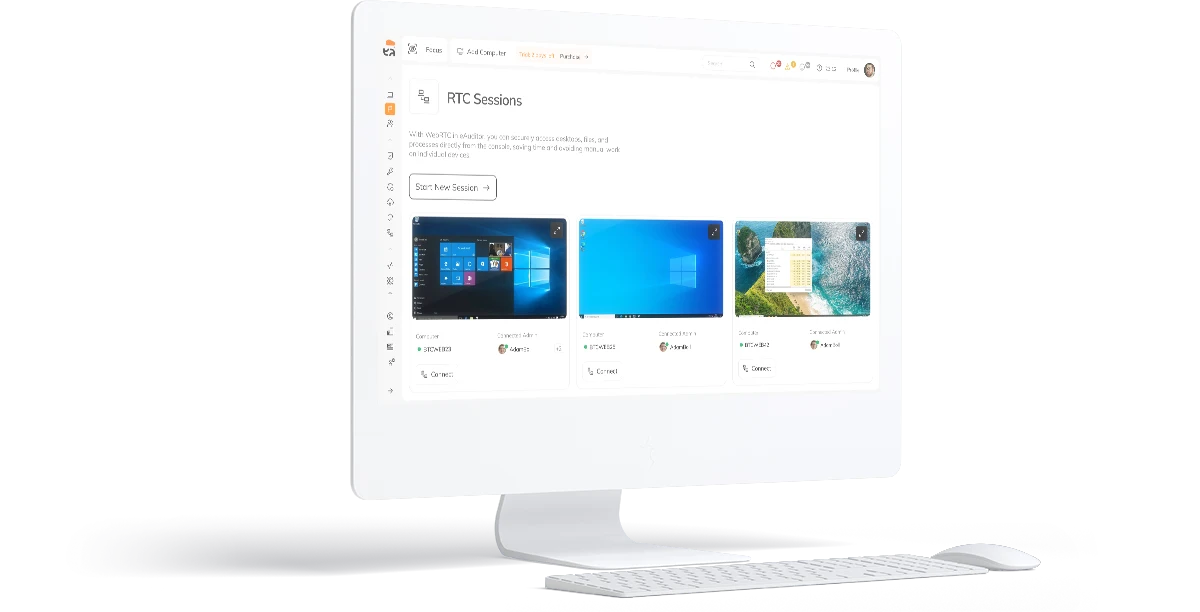
See how remote access works in eAuditor cloud®
Learn the key benefits of remote IT management

Quick troubleshooting
Immediate access to the user’s desktop allows you to diagnose and fix errors without being physically present at the computer.

Secure local and remote access
Supports LAN and non-NAT connections, using encryption and access control.

Multi-monitor management
Supports multiple screens and sessions simultaneously, with the ability to work on each screen in a separate window.
Discover all the benefits
What is worth knowing about remote desktop?
Yes. RTC technology also allows remote access over the Internet to devices outside NAT, without the need for complex network configuration.
Each method addresses different needs:
- RDP – Full computer work on the local network,
- RTC – quick access via a browser over the Internet as well,
- VNC/UVNC – Preview the active user session,
- Intel vPro/AMT – Hardware access even with operating system problems.
In the case of RTC, the connection is made via a web browser, which significantly simplifies the process of accessing devices. Depending on the chosen remote connection method, additional components may be required on the side of the managed device.
Yes. The system allows you to work on multiple screens at the same time, and each monitor can be displayed in a separate window, enhancing the administrator's experience.
Yes. eAuditor allows you to run multiple sessions simultaneously, so you can efficiently support users and manage more devices from one place.
Yes. The system is used by organizations managing thousands of devices, making it suitable for both small businesses and extended IT environments.
Yes. The system allows file transfer between devices, which speeds up troubleshooting and implementing changes on users' computers.
Yes. eAuditor allows you to test the remote access function for free and schedule a system presentation with a consultant. Test for free: https://app.eauditor.eu/
The solution is available in two versions:
eAuditor Cloud
A subscription-based service (SaaS). The current price list is available here: plans. Billing depends on the selected plan and the extent of use.
eAuditor On-prem
Licensing model determined on a case-by-case basis (perpetual license or subscription—depending on the implementation). To request a quote, please contact us via the form.
Have questions?
Make an appointment for a free consultation